
On this page
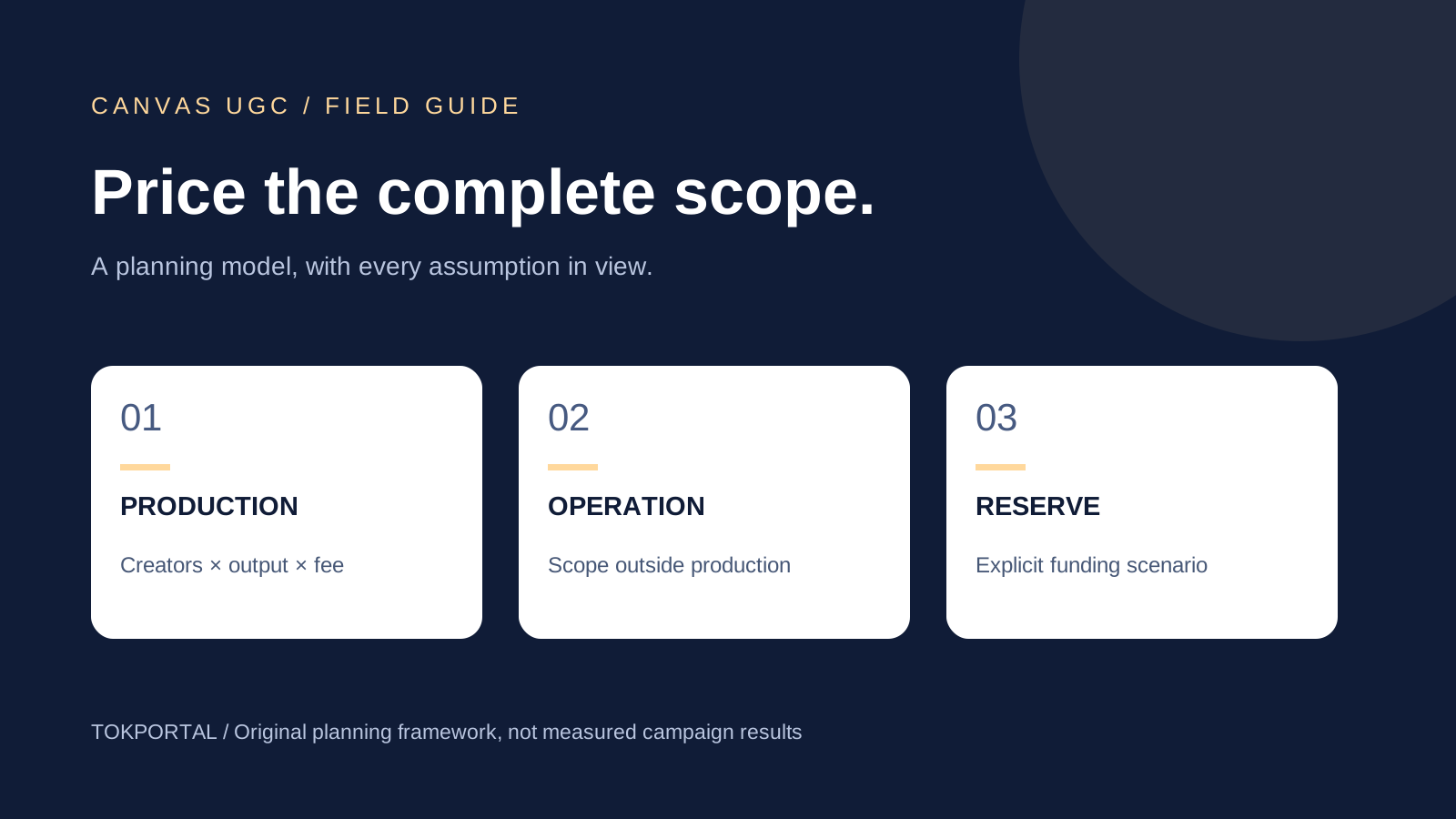
Canvas UGC pricing depends on what you are buying: creator production, recurring account operation, campaign management or a package combining them. A creator's monthly pay is not the same thing as the brand's total campaign cost. To compare offers, put the same deliverables, time period, rights and operating responsibilities into a budget before dividing anything by the number of videos.
Two public managed-program offers illustrate the distinction. On September 9, 2026, Blank Canvas UGC advertised a $12,000 monthly program, while Adworkly displayed managed plans starting at $10,000 monthly. Those are dated offers from individual providers, not a market average or evidence that a smaller direct arrangement must cost that much. The calculator below lets you model your own assumptions without pretending that a headline package price predicts installs or revenue.
Sources & real examples
Public accounts, original posts and primary references. Each example is linked where it is discussed.
View all 5 sources and review notes
- Blank Canvas UGC program ↗
Original public package inspected and captured 9 September 2026: $12,000 monthly, eight creators and 480 advertised videos. Provider offer, not purchased service or verified results.
- Adworkly public pricing ↗
Original pricing interface read and captured 9 September 2026. Managed tiers and inclusions are dated provider offers. Performance and general market claims are not used as benchmarks.
- A+ Socials original Canvas/Tech UGC comparison ↗
Original video page, caption and visible frame inspected 9 September 2026. Creator perspective; no rate survey, verified campaign results or claimed AGD adoption.
- JoinBrands pricing and delivery FAQ ↗
Primary page and expanded content-only/content-plus-posting FAQ inspected and captured. Separate fee structure and delivery options; not a like-for-like managed Canvas package.
- TikTok Spark Ads creation guidance ↗
Official June 2026 documentation read. Authorized identities and post codes; no promise that organic results predict paid performance.
Calculate your own Canvas UGC budget
Start with the number of creators, the original videos each will deliver and the fee you actually expect to pay. Then add the operating costs that are outside that production fee. In the calculator, bonus provision is a separate amount, and the contingency is money reserved above the modeled subtotal. Neither is automatically an expense already incurred. Paid advertising and taxes are excluded; add them to your actual plan where applicable.
Illustrative monthly plan · USD
Build your Canvas UGC budget
Replace these example assumptions with your actual scope. This is not a supplier quote or earnings forecast. Paid media, taxes and currency conversion are excluded. Enter only costs outside your production fee to avoid double counting.
- Modeled subtotal
- $3,700.00
- Contingency reserve
- $370.00
- Funding envelope
- $4,070.00
- Planned original videos
- 80
- Assumed accepted output
- 64
- Subtotal per assumed accepted video
- $57.81
Composition of the modeled subtotal
- Production$2,400.00
- Operations$600.00
- Rights$200.00
- Tools$100.00
- Bonus provision$400.00
Accepted output is a scenario assumption, not delivered work. The reserve is funding held aside, not spending already incurred. The ratio does not define payment terms for rejected work. Inputs stay in this page and are not submitted by this calculator.
The starting scenario is deliberately illustrative. Four creators each making twenty original videos at thirty dollars per video produce a $2,400 production line. The other inputs add $1,300, giving a $3,700 modeled subtotal. A ten-percent reserve raises the funding envelope to $4,070. These numbers demonstrate the arithmetic; they are not a TokPortal quote, a recommended creator rate, a supplier offer or a record of an actual campaign.
The assumed accepted share makes the denominator visible. With eighty planned videos and an eighty-percent acceptance assumption, the scenario contains sixty-four accepted videos. Dividing the subtotal by those sixty-four gives about $57.81 per accepted video. That is a conditional planning ratio. It does not change what your agreement says about payment for rejected work, and it should not be used to imply that rejecting more creator work saves money.
What two actual managed offers include
The Blank Canvas UGC package displayed eight creators and 480 videos per month for $12,000 at our inspection. Its description included brand-owned account posting and management. The simple quotient is $25 per advertised video, but that quotient spreads the entire package across the listed output. It is not the creator's pay rate, and the public page does not independently establish actual accepted or published output.
The screenshot is useful because it keeps price and scope together. A copied “$25/video” line would remove the monthly commitment and the operating bundle that make the figure meaningful. Before comparing that offer with another, ask whether its video count represents original creative files or includes multiple placements, how revisions affect delivery and how missed output is handled. Those are questions for the provider; this review did not purchase the program or verify its client results.
Adworkly's pricing page displayed a $15,000 Growth plan with 10–15 active creators and 500-plus monthly videos. It stated that creator budget was included and listed perpetual ad rights as an add-on. The same page showed $10,000 and $50,000 managed tiers. These are separate provider offers; their availability, detailed terms and suitability need confirmation before a purchase.
The difference in rights treatment alone is a reason not to sort these providers by a single cost-per-video quotient. A bundled service can be cheaper on one denominator and more expensive for your actual use. Build a comparison column for production, publishing, management, revisions and permitted reuse, then mark each line as included, optional or unknown. An unknown line is not free, and it is not automatically an extra charge either.
Separate creator compensation from agency cost
A creator's fee pays for agreed work and permitted uses. The brand may also pay for sourcing, briefing, scheduling, account administration and reporting. An agency can combine those functions in one invoice. A direct creator arrangement can leave much of the work with your team. The invoice structure changes where costs appear; it does not make the work disappear. Include the hours someone on your side will still spend reviewing and coordinating the campaign.
A public TikTok comparison by A+ Socials discusses the workload difference between recurring account production and a single polished deliverable. It is a creator's commercial perspective, not a rate survey. Its practical contribution to budgeting is the reminder to list recurring responsibilities. Filming, posting and answering comments are different tasks even when an advertisement for the opportunity presents them as one monthly amount.
For a direct arrangement, prepare a scope sheet for each creator. Record the number of original videos, expected duration, product-access needs, revision allowance and whether the creator posts anything. If account operation is included, define its boundaries and coverage. A low production quote can become an expensive arrangement when the campaign repeatedly discovers extra work that neither side priced. A higher quote can also contain services your team does not need.
Account for platform fees and subscriptions
A marketplace price is not necessarily the creator payment alone. JoinBrands' pricing page separately lists a subscription and a percentage platform fee, with different levels by plan. We use it here to show a fee structure, not as a like-for-like Canvas managed-program quote. Its content-only and content-plus-posting options also illustrate why you need to identify the purchased output before comparing totals.
When modeling a percentage fee, identify the base to which it applies. A platform might charge against a creator payment, while another service charges a fixed management amount. Credits and rebates can change cash timing without reducing every invoice immediately. Do not subtract an advertised credit twice, or apply a percentage to unrelated expenses merely because the calculator has one convenient subtotal. Use the supplier's current terms and keep the calculation beside the source date.
Software can also sit outside the creator marketplace: asset review, scheduling, account management and analytics may be separate subscriptions. Some are already part of your business overhead; others are incremental campaign expenses. Choose a consistent accounting view. For a cash plan, include the payments you will actually make during the period. For an economic comparison, show the allocation method for shared tools rather than mixing full subscription costs into one option and ignoring them in another.
Define a video before counting it
A creator can deliver one original video that becomes three platform posts. The campaign then has one creative and three placements. A second hook cut may be a meaningful creative variant, while a resized export may simply be a different file. Decide the categories before you build a cost comparison. Otherwise one quote can appear to offer three times the output solely because it counts distribution destinations as separate videos.
Use three columns: original creatives, accepted deliverables and published placements. Keep a fourth column for paid versions if the team prepares them separately. This distinction also improves operations: a published URL proves a placement, while an approved file proves acceptance of an asset. Neither automatically proves the other. If the brief promises publication, a folder of finished videos is not the complete delivery record.
Consider an illustrative brief for twenty original videos distributed to two platforms. Forty placements are possible only if each approved creative is suitable and authorized for both destinations. Do not assume that every soundtrack, overlay, aspect ratio or call to action transfers unchanged. Budget the actual adaptations and review them. The point is not to inflate production scope; it is to understand which work is necessary for the destinations you selected.
Budget performance bonuses without forecasting virality
If compensation includes a bonus, write the calculation in terms both parties can reproduce. Specify the eligible post, the metric, the observation deadline, whether a threshold or a sliding rate applies, and any cap. Explain how paid promotion, removed posts and corrected analytics affect the calculation. These are agreement-specific inputs, so this calculator uses a user-entered bonus provision rather than assuming a universal pay-per-view formula.
For planning, make at least two budget scenarios: fixed commitments and a higher funding requirement if agreed bonuses become payable. The higher amount is a reserve scenario, not a claim that the campaign will achieve those results. Keep the money available if the agreement creates the obligation. A model that highlights a low base fee while hiding uncapped bonuses does not give either side a usable view of the engagement.
A bonus tied to views can motivate output without aligning perfectly with customer acquisition. Before adopting one, ask what behaviors it rewards and what you can actually verify. A brand might care about activated app users, but a creator may not control the app-store listing or onboarding. A sensible agreement recognizes those boundaries. Do not promise to attribute every customer deterministically to a post when the actual measurement setup cannot do that.
Include review, rework and account operation
Review time is easy to underestimate because it rarely appears next to the headline video price. Someone must confirm that the demonstration is accurate, the assets are approved, the caption matches the destination and the final video fits the brief. Estimate the work using your real process. If your product requires a specialist to review claims, include that person's availability instead of assuming any reviewer can approve the content immediately.
Separate planned revisions from corrections caused by changed scope. A creator correcting a mistake in the agreed brief is different from a brand adding a new feature demonstration after approval. Decide how each is handled. Keep a correction log with the requested change, the reason and its effect on timing. This creates a better basis for the next budget than an arbitrary percentage added to every future campaign.
Account operation includes responsibilities after the file is approved. Publication can require destination checks, caption review, timing coordination and confirmation of the actual post. Someone may also need to handle an access issue or a comment requiring a product answer. Decide whether those tasks belong to the creator, your team or an account-distribution provider. Avoid counting the same work once in a managed package and again as a separate service.
Paid promotion is a separate budget
Organic publication and paid advertising can use the same post, but they create different costs and measurement conditions. TikTok's Spark Ads guide describes authorization through linked identities and post codes. Confirm the applicable permission before including paid reuse in your plan. A creator-production fee or control of an account does not by itself explain all costs associated with running a campaign in Ads Manager.
Track paid spend separately from the organic operating subtotal so that you can answer both questions: what did production and distribution cost, and what did amplification add? When a post receives paid promotion, record the start time in the observation ledger. Its later view count should not automatically become the denominator for an organic-only efficiency claim. Use the attribution and reporting tools appropriate to the paid campaign rather than blending all reach into one flattering ratio.
Turn the estimate into a purchase decision
Use the budget to identify the assumption most likely to change your decision. If coordination dominates, ask whether a managed arrangement genuinely removes that work. If production dominates, inspect the creative scope and its acceptance criteria. If the uncertainty is customer response, reducing a unit price will not resolve it. Start with a scope your team can review and measure, then expand from what the actual campaign teaches you.
Your Canvas UGC quote worksheet
CANVAS UGC QUOTE COMPARISON
Provider / quote date / currency / tax treatment:
Period / minimum commitment / payment schedule:
Original creatives / accepted deliverables / platform placements:
Creator production included? Exactly which tasks?
Management / posting / comment handling included?
Tools and percentage fees: base / rate / applicable credits:
Rights and destinations included / exclusions / duration:
Bonus condition / observation window / cap / provision:
Revision allowance / rework / product changes:
Internal hours still required and allocation method:
Modeled subtotal / contingency held aside / paid media separate:
Unknown inclusions / questions for provider:
After the batch: actual spend / accepted output / posted URLs:
Decision to renew, change scope or stop and its evidence:
Before accepting an offer, fill the worksheet with the provider's actual inclusions and the questions still open. Attach the source or quote date, currency, payment schedule and minimum commitment. Keep hypothetical scenarios visibly separate from committed spending. Revisit the model after a completed batch using real accepted output, actual time spent and known expenses. That review gives you a grounded next budget even when attribution remains incomplete.
For the underlying operating model, read what Canvas UGC is. To decide whether you need recurring accounts or content assets, use the Canvas versus traditional UGC comparison. When account distribution is the service you need from TokPortal, keep its scope separate from creator production. A useful budget tells you exactly what you are buying and which decisions still need evidence.
Written by
Alexis Klein
Co-founder
Alexis is a co-founder of TokPortal, working with brands on localized organic distribution and campaign strategy.
Learn more about this topic with AI
Related Resources
Related Tools
From the guide to your first campaign
You make the content.
TokPortal runs the account operations.
Create and operate TikTok and Instagram accounts in your target market. Local operators handle the account work and native publishing. You control the brief, content and campaign from the dashboard, API or MCP.
- 01Choose your market
- 02Define each account
- 03Schedule your content
Review market availability and pricing before ordering. No reach forecast is built into your plan.