
On this page
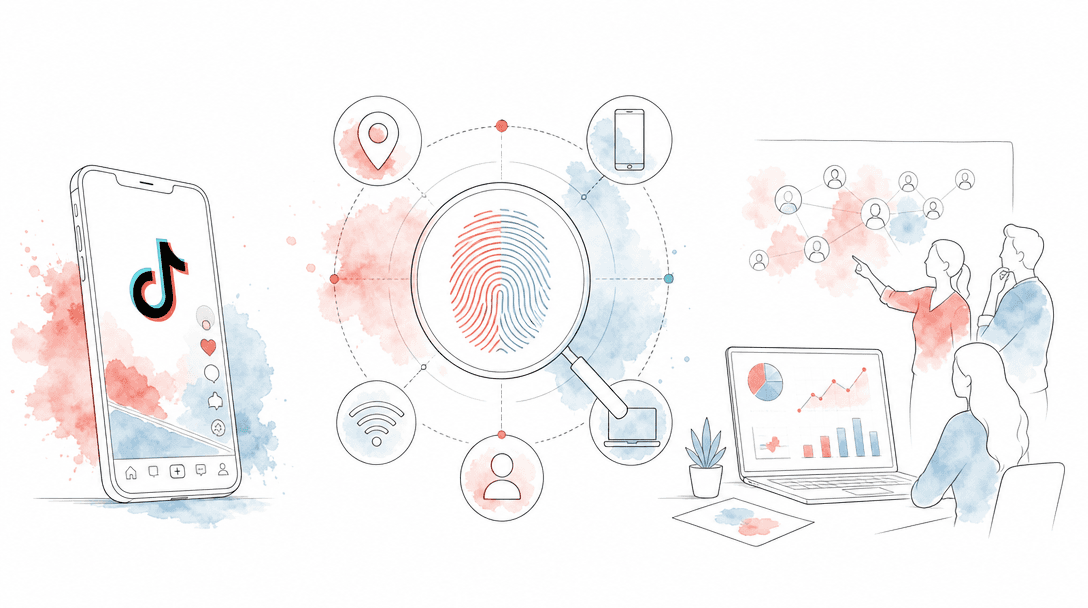
TikTok can associate multiple accounts with the same phone or network using a signal graph: device identifiers, IP address, SIM/carrier data, app version, GPS/location, WiFi/network patterns and behavior. For growth teams, the practical answer is simple: separate clients, countries and campaign accounts onto real local devices, then warm and operate them consistently.
TokPortal is programmable, organic social-media distribution infrastructure — The Human API. It posts across TikTok, Instagram and YouTube through real human operators using real physical devices and local SIM cards in 20+ countries, controlled by API, MCP and SDKs.
This page is not a trick guide. It is an operational guide for growth teams that need to understand why multiple TikTok accounts behave differently when they share phones, networks, locations or posting routines. TikTok’s own privacy materials say it collects device, network, IP and location information; the agency question is how to design clean account operations around that reality.
Can TikTok see your device ID?
Yes, TikTok can collect device-related identifiers and technical signals. TikTok’s Privacy Policy states that it may collect information such as device model, operating system, IP address, mobile carrier, time zone, app version, network type, device identifiers and location-related information.
The important point for a growth team is that this is not one magic field called “device ID.” It is a signal graph. A phone, SIM, IP range, GPS pattern, WiFi environment, app install, login sequence and usage behavior can all contribute to how an account is understood. If five client accounts rotate through the same handset and same office WiFi, they are not operationally separate just because each account has a different username.
How many TikTok accounts per phone is safe?
TikTok does not publish a public number for “safe accounts per phone,” and any fixed number you see online is usually guesswork. For professional growth work, the better rule is: one physical device should map to one clean operational context — one country, one account cluster, one client or one campaign family.
If you are running a brand’s own TikTok presence, a small number of accounts on a single real phone can be normal human usage. If you are running multi-client distribution, the bar is higher. Client separation matters more than account count. A finance client, beauty client and gaming client should not share the same device history, local network pattern and posting routine.
For the account lifecycle side, use a structured TikTok account warming process before pushing volume. For larger operations, the infrastructure question becomes the campaign design covered in scaling TikTok marketing with 100+ accounts.
Does VPN help with multiple TikTok accounts?
A VPN only changes the visible network route. It does not make a laptop or phone look like a local human device with a consistent SIM carrier, GPS pattern, language environment, app history and usage behavior.
This is why VPN-first TikTok operations often create reach issues: the IP says one thing, the device and behavior say another. For country-specific campaigns, use real local devices, local SIM cards and native in-app posting. If your brief is “Brazilian organic distribution,” the clean setup is a Brazil-based phone, Brazil SIM, local app environment and operator behavior — not a remote device with a changed network route.
For a deeper country setup, read the multi-country TikTok strategy guide for global brands.
Feature
VPN-first setup
Real local device setup
Network signal
Country matching
Client separation
Native TikTok features
Operational durability
What is the risk of sharing devices across TikTok clients?
The risk is cross-client contamination. When unrelated client accounts share the same phone, SIM, app install, WiFi pattern and posting rhythm, they inherit the same operational footprint. That can make attribution messy, reduce country clarity and make a client-specific issue harder to isolate.
Agencies often obsess over surface-level account research: TikTok profile picture download tools, TikTok PFP downloader queries and profile picture downloader workflows are useful for competitor audits. But those are front-end assets. The harder, higher-leverage work is back-end provenance: which real device posted, from which country, with what account history and what operator routine.
If your agency manages multiple brands, treat the device as part of the client workspace. You would not mix ad accounts, pixels or billing entities across clients. Do not casually mix phones either.
Best practice for device setup for TikTok agencies
The best agency setup is a real-device matrix: devices are assigned by country, client, niche and campaign objective before content volume increases. That means your operating system is designed before the first batch of UGC, AI video or creator clips goes live.
TokPortal’s infrastructure is built around that matrix: real accounts on real physical smartphones, local SIM cards in 20+ countries, human-in-the-loop posting and native in-app execution. The reason is practical: social distribution at scale is not just a scheduling problem. It is a device, location, account age, content and workflow problem.
- Assign one country context per device group.
- Keep unrelated clients off the same phone and SIM context.
- Use native app posting when sounds, location tags or in-app editing matter.
- Warm accounts before campaign volume increases.
- Track reach, completion rate and engagement by account, not just by video.
- Keep a device ledger: country, SIM, client, account, niche and operator schedule.
Map the campaign by country and client
Before creating the posting plan, decide which countries, languages, niches and client workspaces must stay separate. This prevents device sharing from becoming a hidden growth constraint.
Dedicate real devices to each operational context
Use a real smartphone and local SIM card for each country or client cluster. Avoid mixing unrelated brands on the same device when the accounts should have clean histories.
Set up the native app environment
Install and operate through the real TikTok app where possible. Native posting preserves in-app features such as sounds, editing and location tags that are not fully available through every official upload flow.
Warm the account before volume
Build normal account history before pushing scheduled campaigns. Niche warming is especially important when the account needs to be associated with a specific content category.
Measure account-level performance
Separate video quality from account infrastructure. If the same creative performs differently across countries or devices, investigate device context, account age, posting time and local fit.
20+
countries with local device coverage
150,000+
accounts under management
4,276
active business clients
6B+
organic video views generated
Original operating rule: device containment beats account count
When TokPortal is not the answer
Use your own device operation when
- You manage one brand account in one country.
- You post manually at low volume and do not need country-specific device coverage.
- Your content does not require native sounds, location tags or in-app editing at scale.
- You can maintain a clean device ledger internally.
Use TokPortal when
- You need real local devices across multiple countries.
- You manage multiple clients and need separation by country, niche and campaign.
- You generate more videos than your internal team can publish manually.
- You need API, MCP, SDKs, webhooks or workflow automation connected to human-operated posting.
The official TikTok Content Posting API is useful for approved programmatic publishing workflows, but it does not replace the full native app context for every growth use case. Native sounds, location tags and in-app editing are still decisive for many campaigns; read how TikTok sounds work with native in-app posting and how to post to TikTok via API in 2026.
If your growth stack needs programmatic control, TokPortal exposes a REST API, MCP server, TypeScript SDK, Python SDK and webhooks through TokPortal developer documentation. For the infrastructure-level view, use the TikTok distribution at scale guide.
Design a real-device TikTok distribution plan
Compare TokPortal pricing for account provisioning, native posting, warming, analytics and multi-country distribution before you scale client campaigns.
Can TikTok see if multiple accounts use the same phone?+
Is one TikTok account per phone required?+
Does changing IP address fix TikTok reach issues?+
Why do VPN setups create inconsistent results for country campaigns?+
Can TokPortal post through the real TikTok app?+
Do I own the accounts when using TokPortal?+

Written by
Vincent Tellenne
Co-founder & CEO
Vincent is a co-founder and CEO of TokPortal. He works on the infrastructure and operating model behind scaled organic social media distribution.
Learn more about this topic with AI
Related Resources
How to Post on TikTok via API in 2026 (Step-by-Step Working Guide)
Post videos to TikTok automatically with the official Content Posting API. Working examples, auth setup, sounds, scheduling — everything that works in 2026.
How to Scale TikTok Marketing with 100+ Accounts in 2026
Learn how to scale TikTok marketing with 100+ accounts using real devices, native posting, and account warming. Complete guide for brands and agencies running multi-account organic campaigns in 2026.
The Complete Guide to TikTok Account Warming in 2026
Master TikTok account warming for maximum organic reach. Learn warming techniques, timelines, and how to automate the process with TokPortal's niche warming and deep warming features.
TikTok Algorithm 2026: How Organic Distribution Really Works
Deep dive into the TikTok algorithm in 2026. Understand how organic distribution works, why some videos go viral, and how to optimize multi-account campaigns for maximum reach.
TikTok Distribution at Scale: The Infrastructure Guide
Learn how to build a scalable TikTok distribution infrastructure. From account farms to geo-targeting, this guide covers everything marketing pros need to grow at scale.
How to Add TikTok Sounds via API: Native In-App Posting Explained
Learn how to add TikTok sounds via API using TokPortal's native in-app posting. Add trending sounds, control volume levels, and use carousels — all programmatically.
From the guide to your first campaign
You make the content.
TokPortal runs the account operations.
Create and operate TikTok and Instagram accounts in your target market. Local operators handle the account work and native publishing. You control the brief, content and campaign from the dashboard, API or MCP.
- 01Choose your market
- 02Define each account
- 03Schedule your content
Review market availability and pricing before ordering. No reach forecast is built into your plan.